

Success
Subscribed successfully.


Blog
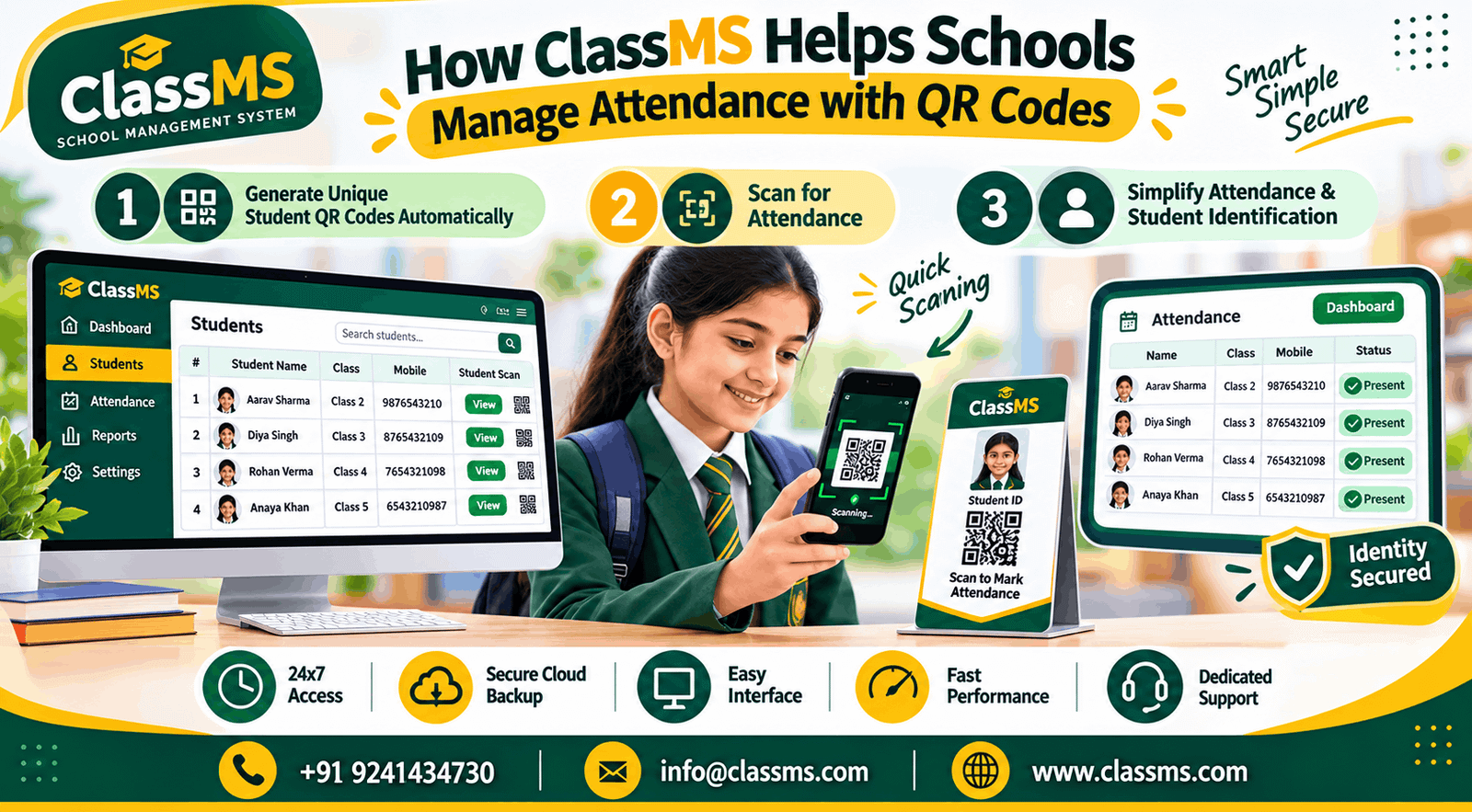
Taking attendance is a daily responsibility in every school. Teachers need to check which students are present and which are absent. When attendance is recorded manually, it can take extra time, especially in schools with many students.
With the help of technology, schools can make this process easier. A QR Code Attendance System allows schools to identify students by scanning their QR codes instead of relying entirely on paper registers.
ClassMS School Management System helps schools use QR codes to simplify student identification and attendance management. It also makes it easier to access student information when needed.
QR code attendance is a digital method of recording attendance using a unique QR code assigned to a student.
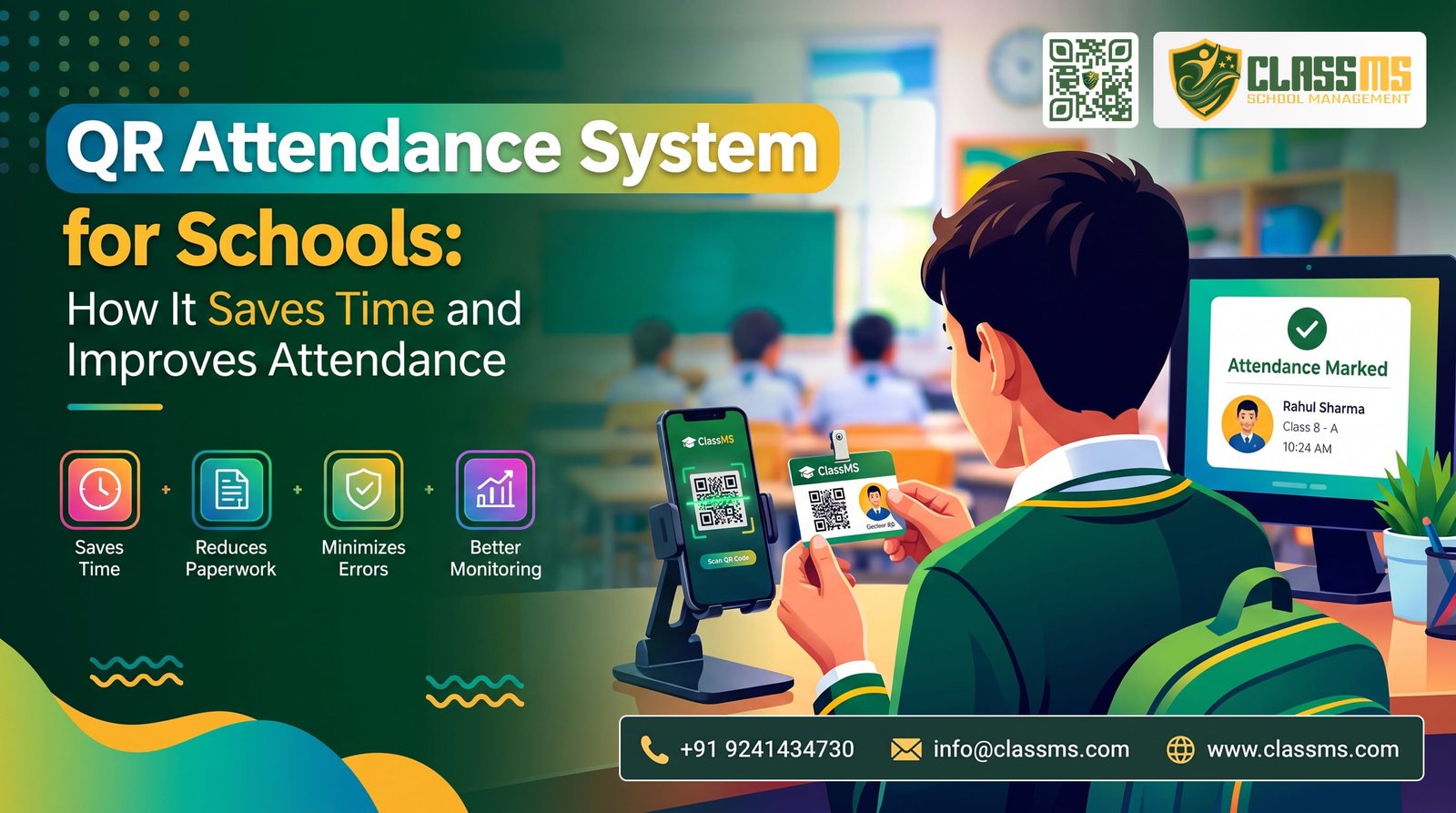
The code can be printed on the student’s school ID card. When a teacher or authorized staff member scans it using a compatible mobile phone, the system can identify the student and record attendance through the attendance feature.
This process helps schools reduce manual work and keep attendance records organized.
ClassMS makes student QR code management easier by connecting QR codes with student records.
Teachers can use QR scanning to identify students quickly, reducing the time spent calling names and writing attendance manually.
Using digital attendance reduces dependence on traditional registers and makes attendance management more convenient.
Every student has a unique QR code associated with their record, making identification easier.
Automatic QR code generation removes the need to create codes individually. Scanning can also reduce the amount of student information staff must enter manually.
The QR code can provide a convenient way to reach the student’s information through the appropriate ClassMS feature.
Schools can arrange a mobile phone or compatible scanning device at the main entrance.
When students arrive, they can present their ID cards for scanning. An authorized staff member can check the student and use the attendance feature to record their arrival.
For larger schools, multiple scanning points may be useful, depending on the school’s requirements and the system’s capabilities.
Schools should also have an alternative process for students who forget their ID cards or whose QR codes cannot be scanned.
Yes. QR code attendance can be useful for small and large schools alike.
Small schools can use it to reduce daily paperwork, while larger schools may benefit from having a more organized way to identify students.
With ClassMS, automatic QR code generation helps avoid the extra work of creating a separate code for every student manually.
Schools can introduce QR scanning gradually and adapt the process to their daily routines.
ClassMS is designed to help schools manage their daily activities through a digital platform.
Its student QR code feature automatically generates a unique code when a new student is added or an existing student’s details are edited. The code can be used for attendance or to access student information through the appropriate system functionality.
This helps schools connect student records with QR-based processes without manually generating every code.
By using ClassMS, schools can simplify student identification, reduce repetitive work, and take practical steps towards digital school administration.
Managing attendance does not need to involve complicated procedures or excessive paperwork. QR codes provide a simple way to identify students and support digital attendance management.
With ClassMS, schools can automatically generate unique QR codes for students and use them for attendance and student information access. This makes everyday tasks more convenient for teachers and administrators.
Write your Comment
Comment not available