Get Upto 15% Off On 12 month or above | use code: NEW15 Join ClassMS

FAQs

FAQs

General frequently asked questions

Here you can find answers to the most commonly asked questions about Class MS - School Management System. These FAQs help school administrators, teachers, and parents understand how the system works and how it can simplify school operations.

The questions below cover important topics such as features, security, customization, student data management, parent access, pricing, technical support, and system updates. If you still have any questions, feel free to contact our support team.

What is Class MS - School Management?
Class MS is a complete school management software that helps schools manage students, staff, attendance, fees, exams, reports, and communication in one platform.
Who can use ClassMS?

Class MS is designed for:

  • School Administrators
  • Principals
  • Teachers
  • Office Staff
  • Students & Parents
Is Class MS cloud-based or offline?
Class MS is mainly cloud-based, so you can access it anytime from any device with internet. Offline support can be provided on request.
What features are included?

Class MS includes:

  • Student Management
  • Attendance System
  • Fee Management
  • Exam & Marksheet
  • Online Reports
  • SMS/Notification
  • Staff Management
  • Timetable
  • ID Card & Certificate Generator
Is Class MS easy to use?
Yes. The software has a simple and user-friendly design. Even non-technical staff can use it easily after basic training.
Can we customize the software for our school?

Yes. We provide customization according to your school's requirements such as:

  • Logo & Branding
  • Report Format
  • Special Modules
  • Custom Fields
Is student data safe?
Yes. We use secure servers and data protection methods to keep your school data safe and private.
Do parents get access?
  • Check attendance
  • View fees
  • See results
  • Get notices
  • Track student progress
Can Class MS send SMS or notifications?

Yes. The system supports:

  • SMS Alerts
  • WhatsApp Notifications
  • App Notifications (if enabled)

For attendance, fees, and announcements.

Does Class MS support multiple branches?
Yes. It supports multi-branch schools with centralized management.
What devices are supported?

You can use Class MS on:

  • Desktop / Laptop
  • Tablet
  • Mobile Phone
  • Web Browser (Chrome, Edge, etc.)

No special hardware is required.

Do you provide training and support?

Yes. We provide:

  • Online Training
  • Demo Sessions
  • Technical Support
  • Regular Updates
How much does Class MS cost?

Pricing depends on:

  • Number of students
  • Required features
  • Customization
  • Plan type (Basic / Standard / Premium)

ontact us for a detailed quotation.

Can we migrate data from old software?
Yes. We help you transfer your existing student and staff data safely to Class MS.
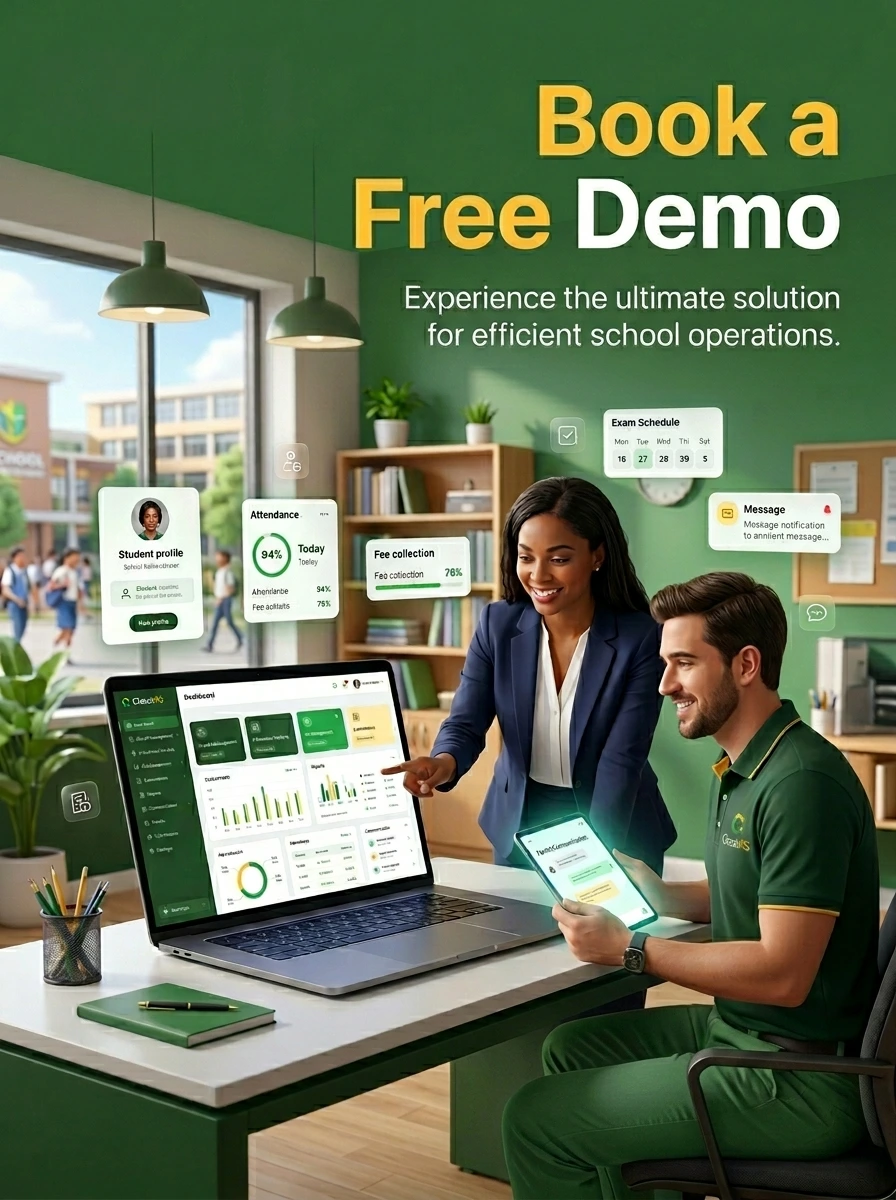
Is there a free demo or trial?
Yes. We provide a demo and trial period so you can test the system before purchase.
What happens if internet is slow or not available?
Basic offline records can be maintained, and data syncs automatically when internet is available.
How often is the software updated?

We provide regular updates with:

  • New features
  • Security improvements
  • Performance upgrades
Can we generate reports and certificates?

Yes. You can generate:

  • Report Cards
  • Transfer Certificates
  • Bonafide Certificates
  • Fee Receipts
  • Attendance Reports

With one click.

Is technical knowledge required to operate Class MS?
No. Basic computer knowledge is enough. Our system is designed for easy operation.
How can we contact support?

You can contact us via:

  • Phone
  • Email
  • WhatsApp
  • Support Ticket System

Our team responds quickly.